Project
A white listed website and custom training for the O.W. Lee company, who creates heirloom quality outdoor furniture.
Front end: HTML5, CSS3, jQuery
Back end: PHP, MariaDB
Design: Photoshop, Illustrator

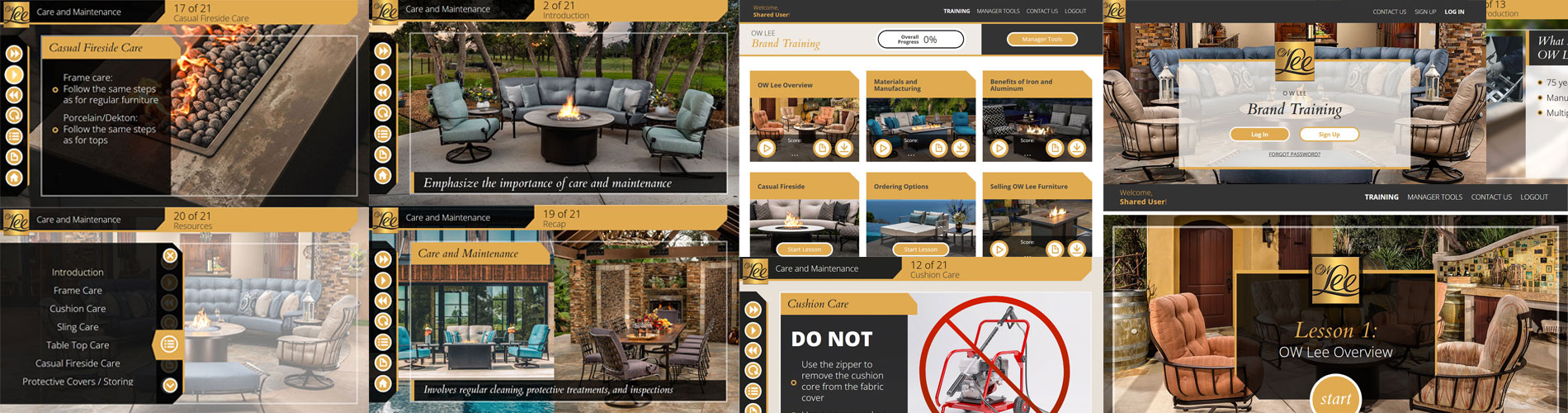
Progressive UI
Problem: O.W. Lee's dashboard needs to show progress at a glance.
Solutions: Every UI element on the dashboard was created with showing progress in mind.
O.W. Lee came to us to create custom training for their dealers to unify the message sent to salespeople throughout the United States. The dashboard was designed to instantly show progress to sales people and help walk them through their training program.
Selling the Salesperson
Problem: How to get salespeople excited about the brand.
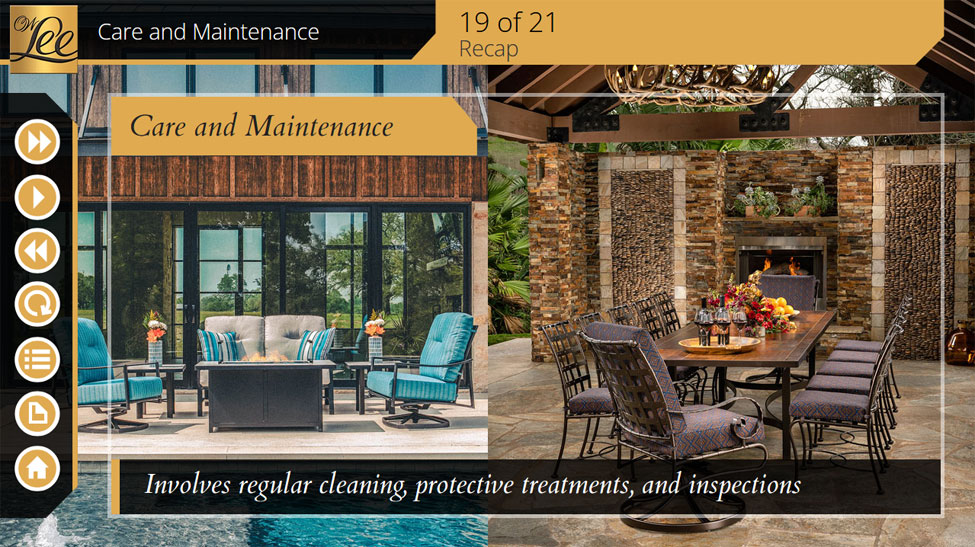
Solutions: I made a great effort to make sure that the imagery really sings. We wanted salespeople to see the polish and how beautiful this outdoor furniture is and be excited to sell it.
Normally you would try to impress your customers with beautiful imagery and a branded experience. We took that process and aimed it at the salespeople. If the salespeople are awed and excited by the furniture, they will have no problem sharing that with their customers. The stunning photography really shines in this training.
K. I. S. S.
Problem: Not really a problem, but the imagery given to us to use was great.
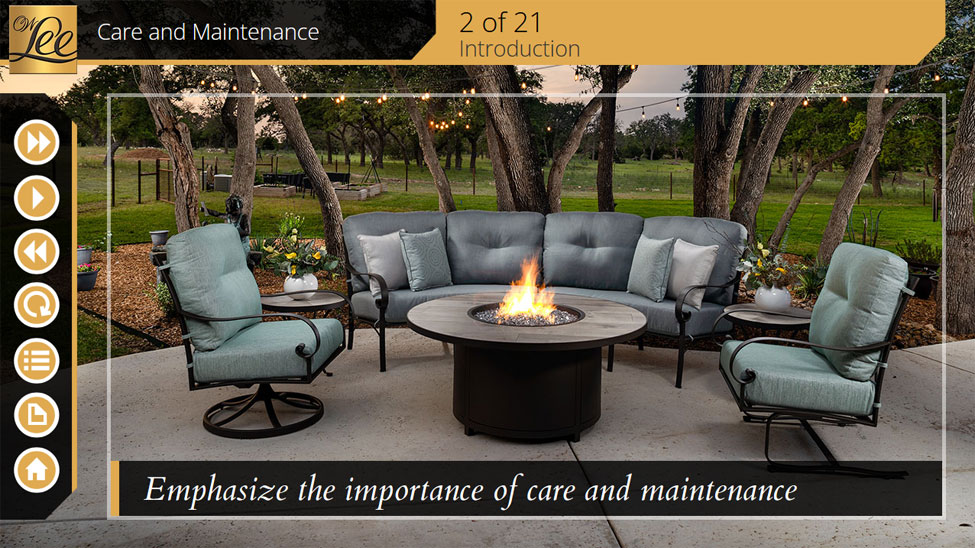
Solution: I tried to keep the interface and content out of the way.
I wanted to keep the imagery front and center, so the content and interface elements were pushed out of the way as much as possible. With not much room to spare for extra fluff, the content and text on the screen was minimal, which required some discipline. The content in some educational software is just a word vomit on the screen, so I think keeping it minimal made the overall product much better.
High Resolution Imagery
Problem: How Can We Do This Justice?
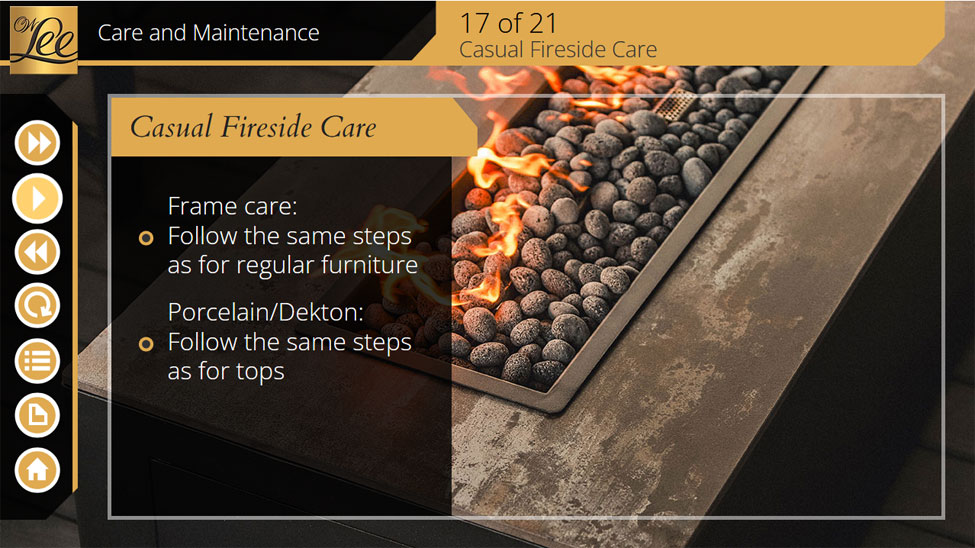
Solution: We added '2x' versions of everything for high resolution screens.
I used the javascript property 'devicePixelRatio' to see how many physical pixels mapped onto a CSS pixel. Typical screens are close to 1:1. Mobile devices and high density screens return a higher number. I wrote into the javascript library a function to pull '2x' versions of the imagery in order to keep the imagery super sharp. The program ended up looking fantastic on mobile screens.