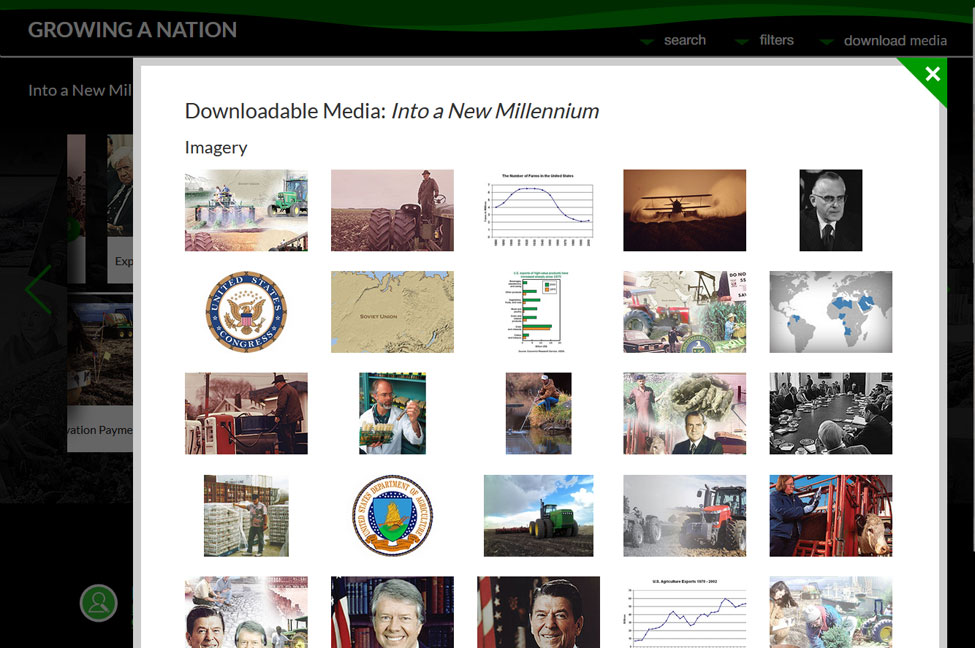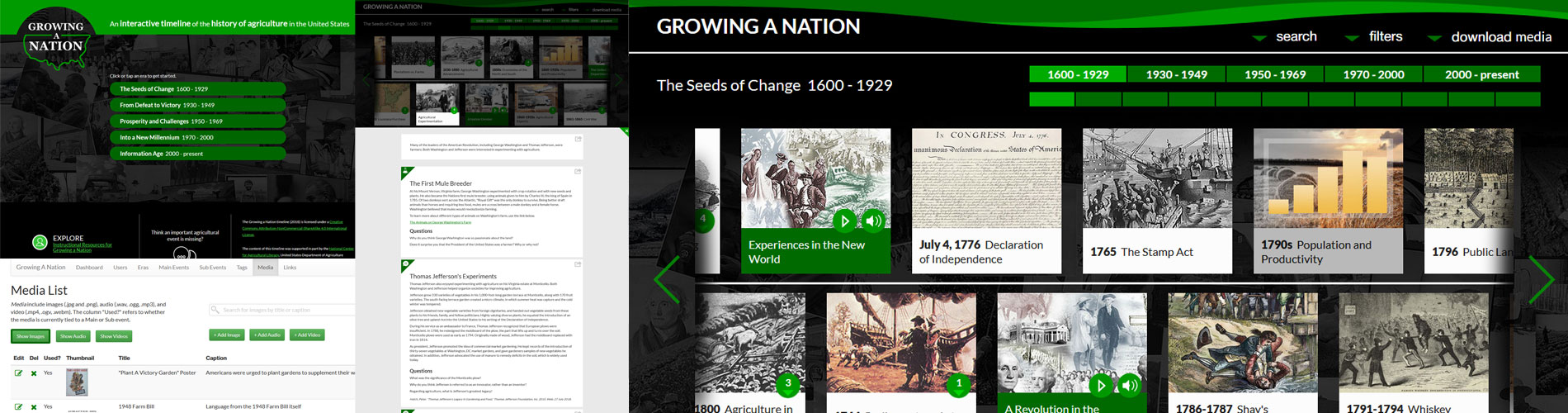
Project
A website featuring an interactive timeline with linkable sub-events that can be updated in real time by administrators.
Front end: HTML5, CSS3, Javascript, jQuery
Back end: PHP, MySQL
Design: Photoshop, Illustrator
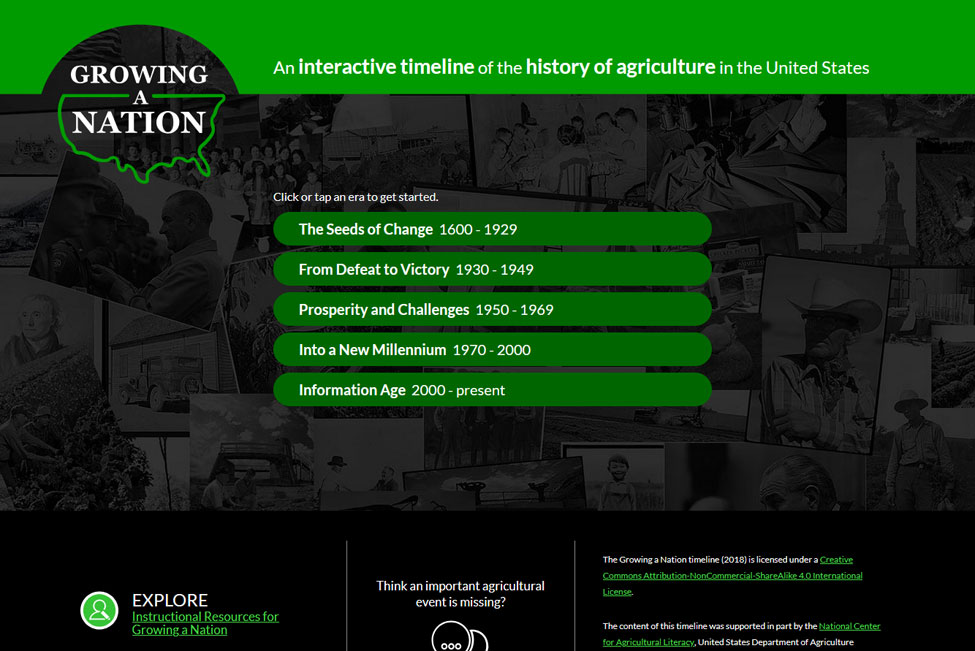
Growing A Nation
Problem: How can we make an old Flash application into something modern and interesting?
Solutions: We took the old information and adapted it to fit into an interactive timeline.
The original project was a set of lessons in a Flash application. The client wanted to update it into something that was navigable at a glance. She also wanted to update the format to something that might be more appealing to an audience with a short attention span.
Organizing the Timeline
Problem: What does an interactive timeline do?
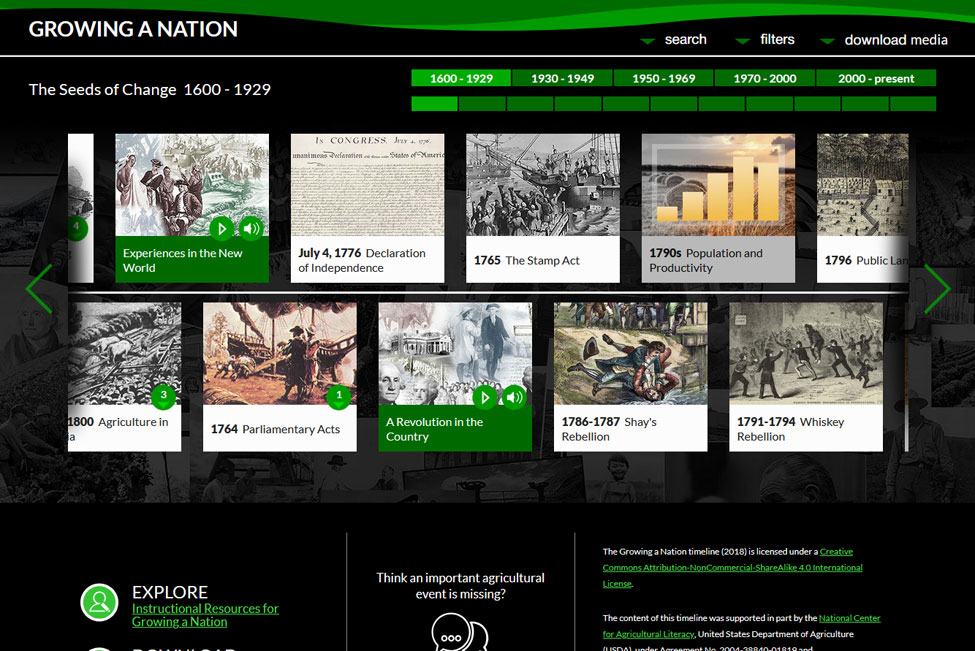
Solutions: I created a timeline scaffold that could be populated from an adminstration system and database on the backend.
Each era of time is organized in order of time and shows up as a navigable section on the top of the page above the timeline. Each era is divided into sections and those sections are divided into individual tiles, or main events. Each main event can have sub-events, or sub-tiles that go into more detail and show up when a tile is clicked on. The javascript and CSS on the front end required some clever handling of 'id's on the DOM side.
Authoring
Problem: How do administrators update the timeline?
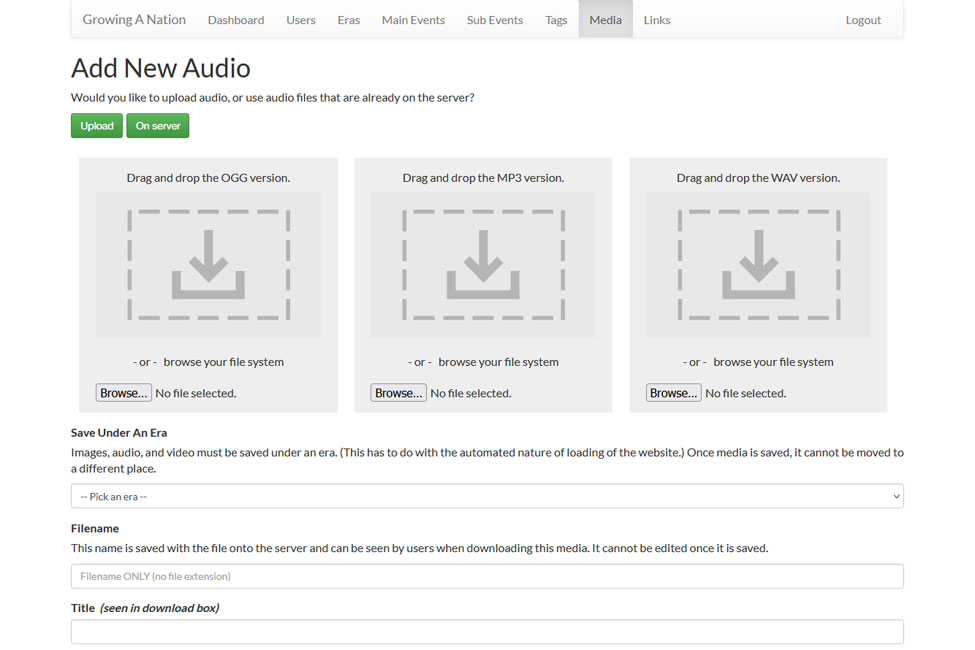
Solution: An administration area was created for admins to make hot updates to the site whenever they would like.
Creating an easy to use and understand administration portal was essential to making the timeline dynamic. When the site was put into production, a national administrator was put in charge of keeping the timeline updated. The admin portal allowed the parts of the timeline to be updated, as well as for media upload and tagging.
Searching/Linking
Problem: How do people search the site and pass along custom links to different sections?
Solution: This feature was shoehorned in after the timeline was finished.
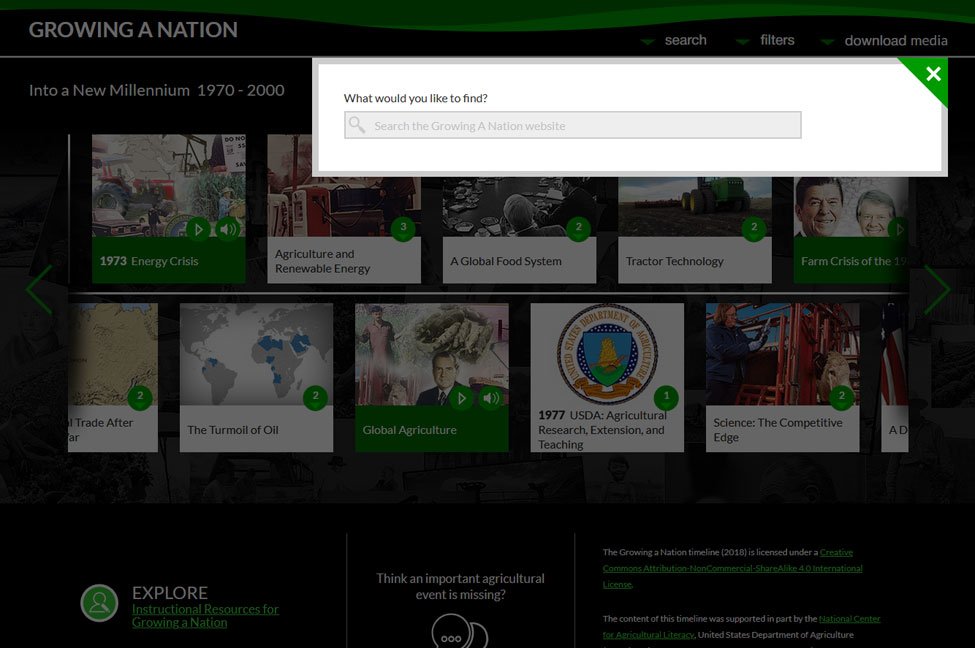
A search was added after the timeline was finished. It only works on a straight-text match, but for simple searches this is enough. A more modern approach might be to use an LLM to convert the text or phrases into a condensed set of words based off of the user's intent and then sent to the straight text match. The ability to link directly via URL to a sub-event or main-event was also added so that urls could be passed between users that would lead directly to different parts of the timeline. This made adding links to social media more useful.